
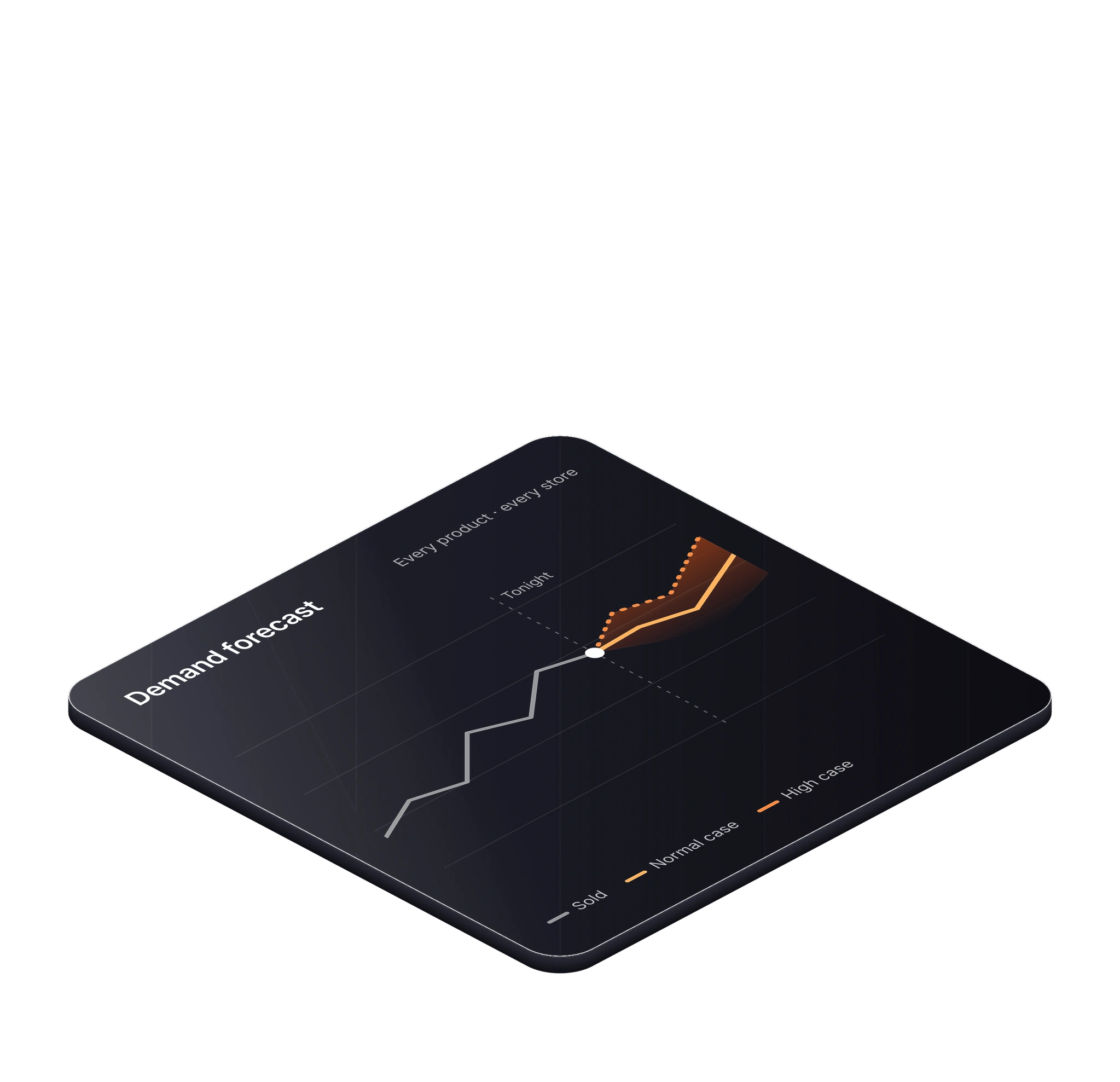
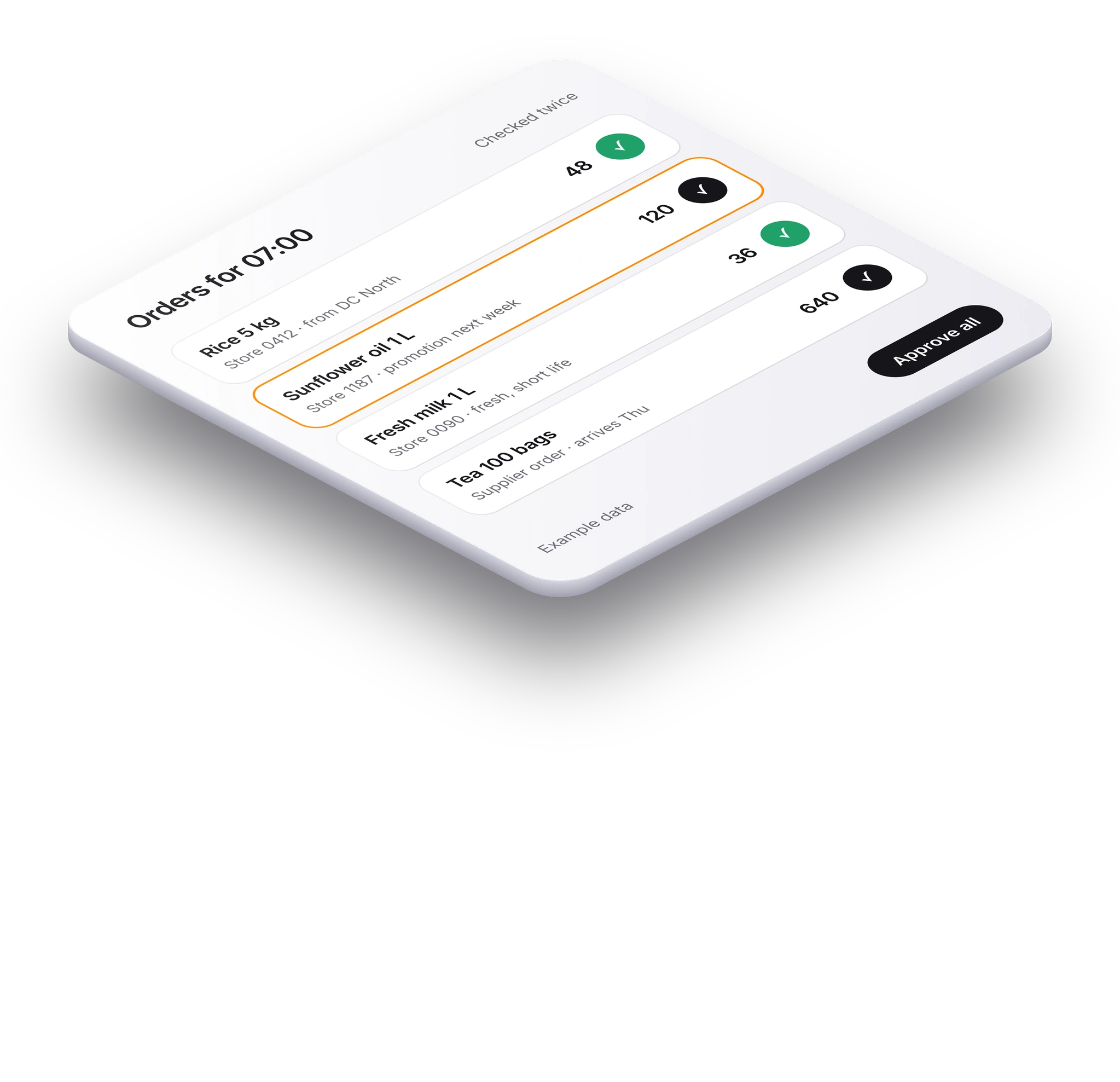
 New · Featured teamSupply & DemandEvery night, agents forecast demand and propose orders for every product in every location. Your team approves each line.See how it works
Not sure which team fits?Talk to our engineers →
New · Featured teamSupply & DemandEvery night, agents forecast demand and propose orders for every product in every location. Your team approves each line.See how it works
GoalOrders made and shipped on time
Agents that keep the production plan on track: they check materials, read quality results, turn machine alerts into work orders and ask your plant manager before the plan changes.
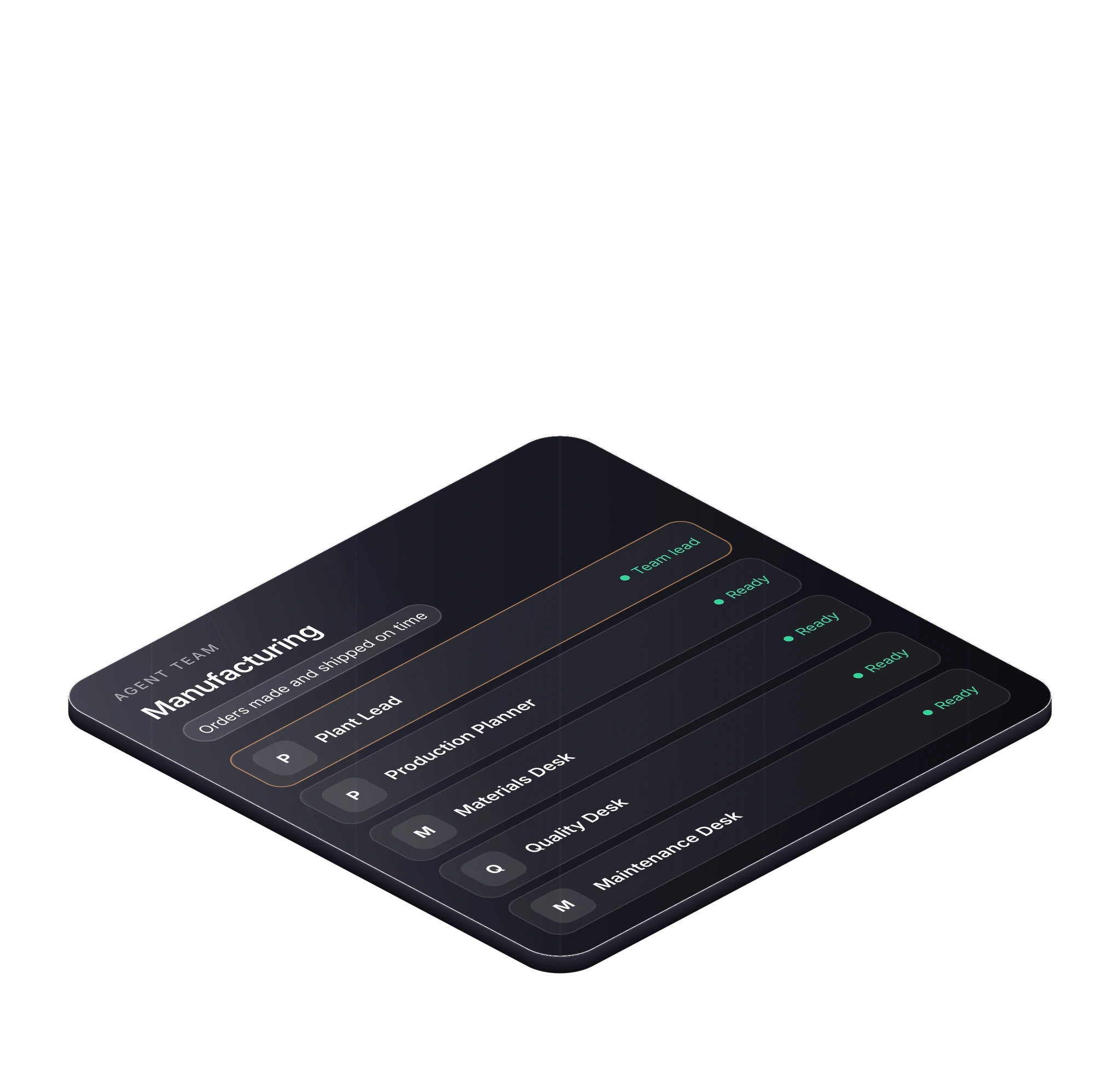

One lead agent keeps the team working towards the goal. Each other agent does one job, then passes the work on.
The goal: make and ship 186 customer orders on time. Example
Result. Order 8812 ships on Friday. 182 of 186 orders are on plan, and the other four have a person working on them.
One page shows the team’s work: the numbers, the work in progress and what needs a person to approve.
Example data: the companies, people and figures are invented to show how the team works.
No. It drafts the change, and the plan only moves when a person approves it.
No. It reads data your systems already collect, such as machine alerts and inspection results. People run the machines.
Yes. Every team starts in practice mode on sample data. Nothing goes live until you approve it.
You can start building free in Workspace. Talk to our engineers if you want them to build it with you.
Describe the work in Workspace and Lua builds the team for you. Or our engineers can build it with you.